
The Ultimate Guide to Cost-Effective AI Workstation Hardware Selection
Build Your AI Dream Factory
 pr_zutto included in Complete AI Workstation Configuration Guide
For geeks who are passionate about AI development, having a powerful and highly expandable AI workstation is key to improving efficiency and exploring cutting-edge technology. This article will share a carefully planned and practically verified hardware selection plan, aiming to build a powerful machine with the ultimate cost-performance that can handle both daily use and future AI workload upgrades.
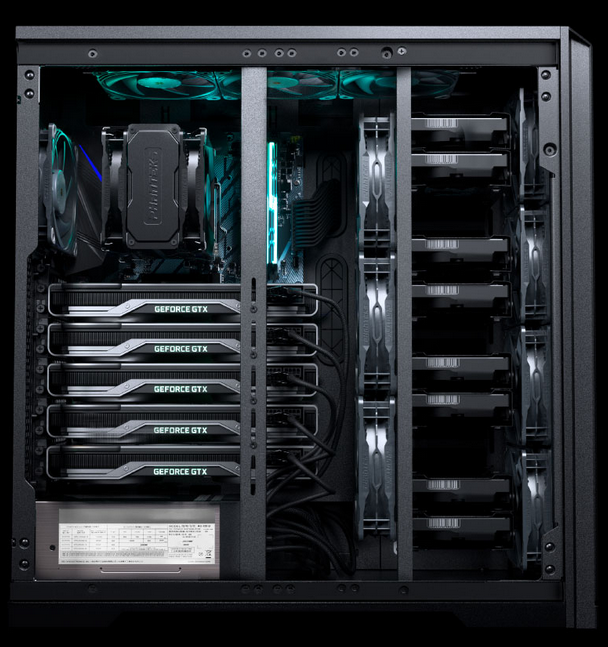
The core positioning of this workstation is very clear: a main machine that can completely replace Windows, with AI development as its primary task. To cope with future diverse AI workloads, we must reserve enough “room for growth” for the hardware configuration. This means it must be able to support at least four graphics cards, and the speed of all PCIe interfaces must not become a bottleneck. Therefore, our core requirement is: the CPU must provide at least PCIe 4.0 lanes to ensure the efficiency of multi-card parallel computing.
Core Components: The Perfect Balance of Performance and Scalability
-
CPU: AMD EPYC™ 7542—The “King of Cost-Performance” in the Second-Hand Market
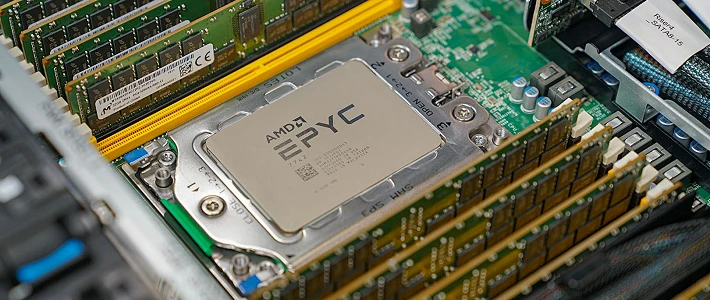
AMD-EPYC-7000 CPU Faced with the strict PCIe lane requirements mentioned above, we quickly focused on the server-grade AMD EPYC series. Its high number of Serdes lanes and affordable second-hand price make it a standout in the workstation field. After considering the response speed for daily use, we chose the AMD EPYC™ 7542 processor, which has 32 cores and 64 threads. Its boost frequency of up to 3.4GHz ensures multi-tasking capabilities while also balancing single-core performance, truly achieving the best of both worlds.
-
Motherboard: Supermicro H12SSL-i—Born for AI
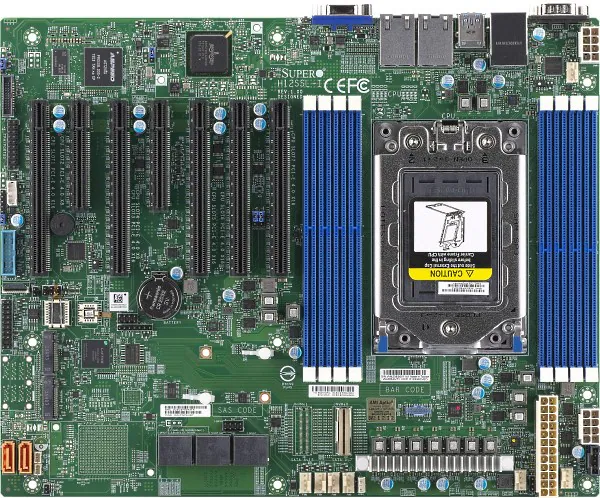
Supermicro-H12SSL-i PCB Having chosen a powerful EPYC CPU, the matching motherboard is naturally no ordinary board. The Supermicro H12SSL-i motherboard stands out with its astonishing expandability: it provides 5 PCIe 4.0 x16 slots and 2 PCIe 4.0 x8 slots, perfectly meeting the needs of multi-card deployment.
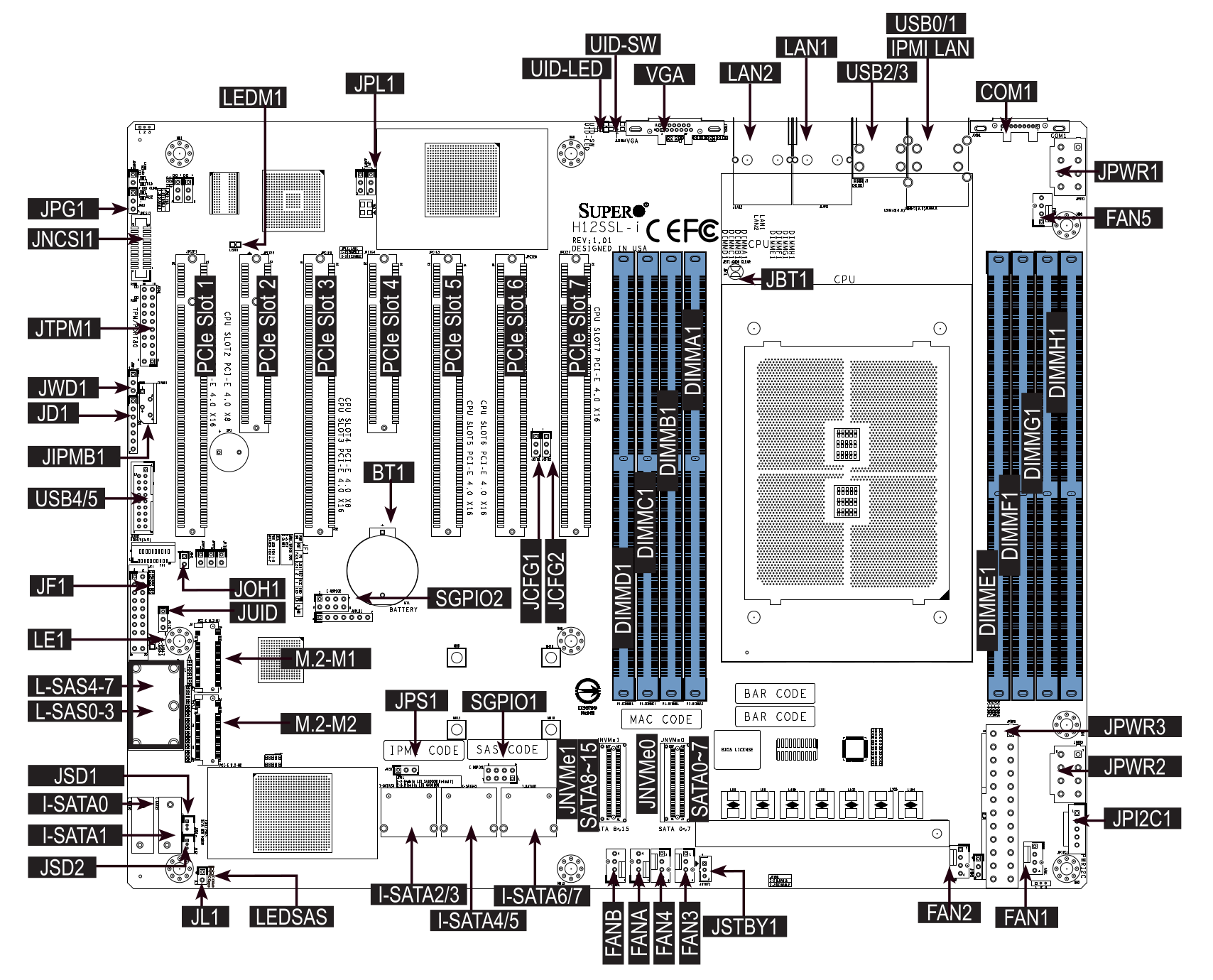
Supermicro-H12SSL-i Functional Block Diagram At the same time, its 8 DIMM memory slots support up to 2TB of ECC memory, which provides a solid memory guarantee for loading large language models in the future (such as using
llama.cpp) and completely eliminates “memory anxiety.” However, the advanced features of a server motherboard, such as IPMI, do require a certain learning curve, but this is undoubtedly worthwhile. -
Memory: From “Sufficient” to “Feeding” LLMs
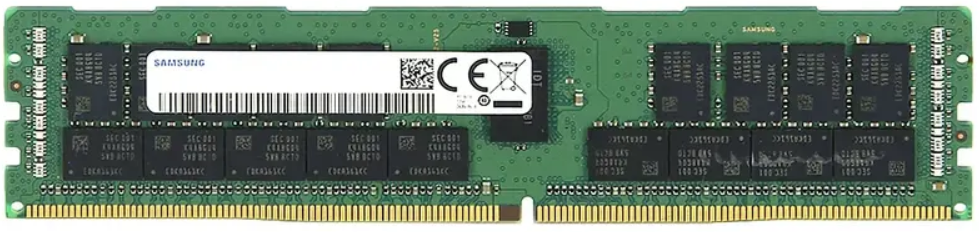
DDR4 ECC RDIMM RAM The initial configuration was 4 sticks of 32GB DDR4 3200MHz ECC memory, totaling 128GB. While this seemed quite sufficient at the time, in today’s LLM era, it is already stretched thin. Therefore, we strongly recommend upgrading the memory capacity to 512GB or even 1TB, which will greatly improve the efficiency of processing large models.
Graphics Card: RTX-4060-16G—The “Sweet Spot” Card for AI Workloads
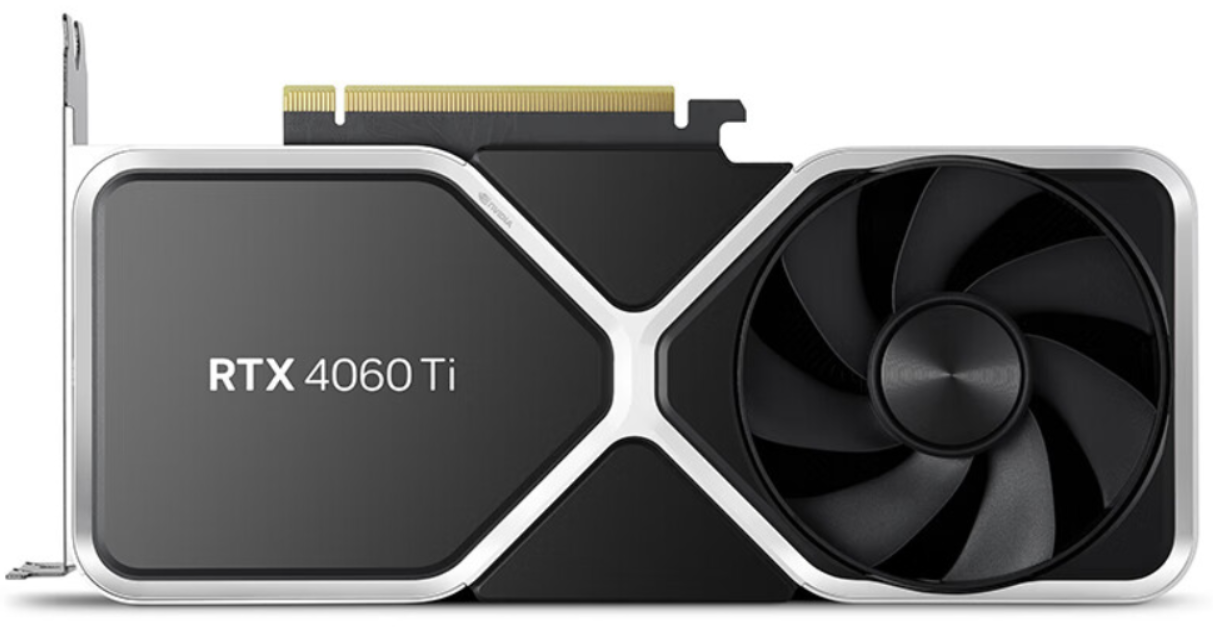
For AI workloads, video memory capacity is often more important than absolute performance. The NVIDIA RTX-4060-Ti-16G, with its large 16GB of video memory and relatively low power consumption, has become the best choice for initial investment. Its cost-performance for AI workloads is second to none. Initially, you can configure one card and then, based on workloads needs, gradually increase to four cards or replace them with higher-end graphics cards.
Power Supply, Case, and Cooling: Ensuring Stable Operation
-
Power Supply:
Considering the future power needs of four cards at full load, we resolutely chose the Great Wall (长城) 2000W EPS2000BL consumer-grade power supply. As a core component, the stability of the power supply is critical, so this part must be new.
-
Case:
To accommodate the huge server motherboard, multiple graphics cards, and a powerful cooling system, we chose the Phanteks PK620 XL full-tower workstation case, which provides ample space for all future upgrades.
-
Cooling:
Stability is the cornerstone of long-term work. We chose an all-air cooling solution and configured as many as 7 Phanteks case fans (6 x 14cm, 1 x 16cm), as well as a dedicated EPYC cooler, to ensure that this “AI beast” remains cool during long periods of high-load operation.
Storage: Prioritizing Both Speed and Backup
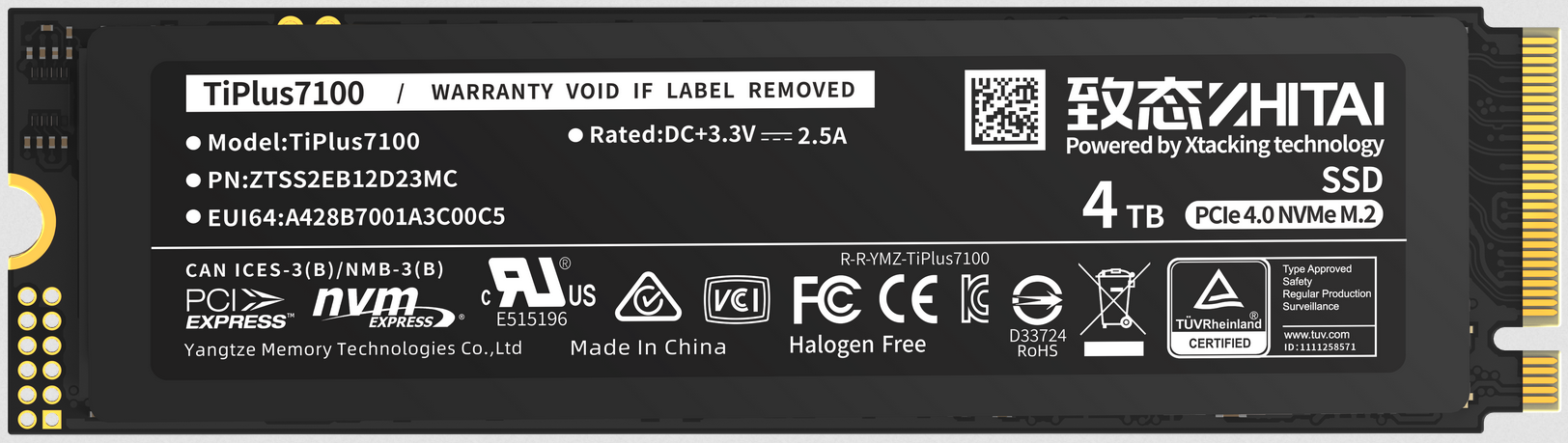
The storage solution uses a “SSD + HDD” combination: a ZHITAI NVMe SSD serves as the system drive and for frequently used applications, providing extreme read and write speeds; while a Western Digital Purple HDD, optimized for surveillance with 7x24 hour high reliability, serves as the data backup drive to safeguard your valuable data.
Final Configuration List
| Component | Model/Specification | Key Parameters | Quantity | Notes |
|---|---|---|---|---|
| CPU | AMD EPYC 7542 | 32 cores, 64 threads, up to 3.4GHz | 1 | Second-hand preferred, 128 PCIe 4.0 lanes |
| Motherboard | Supermicro H12SSL-i | 5× PCIe 4.0 x16, 8× DDR4 DIMM | 1 | Second-hand preferred, supports 2TB ECC memory |
| Memory | DDR4 ECC RDIMM | 4x 32GB, total 128GB | 4 | Second-hand preferred, recommended to upgrade to 512GB+ |
| Graphics Card | RTX 4060 16GB | 16GB GDDR6 VRAM | 1~4 | Second-hand preferred, high VRAM with great cost-performance |
| Power Supply | Great Wall 2000W ATX | 80 PLUS Platinum certified | 1 | Must be new, to leave enough headroom for future multi-card setups |
| Case | Phanteks PK620 XL | Full-tower, supports E-ATX motherboard | 1 | New, designed for cooling and expandability |
| Cooling | Dedicated EPYC cooler + Phanteks fans | All-air cooling solution | 1 + 7 | New, to ensure long-term stable operation |
| Storage | ZHITAI SSD + WD HDD | NVMe SSD + SATA HDD | 3 | New, balances speed with data security |