
AI Workstation OS Selection
A Deep Dive into Windows vs. Linux
 pr_zutto included in Complete AI Workstation Configuration Guide
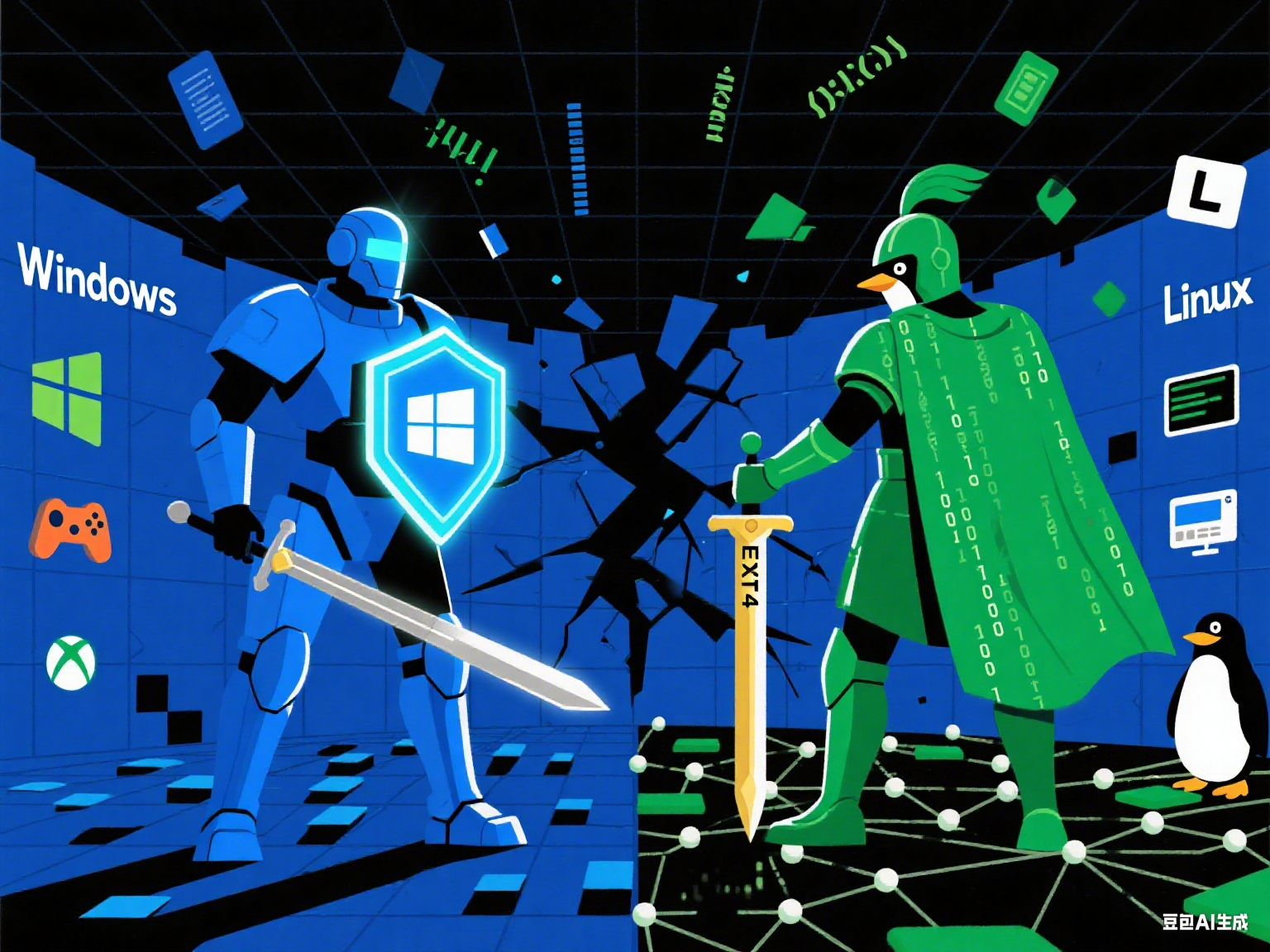
When it comes to choosing an operating system for AI workloads, Windows and Linux are two sides of the same coin, each with unique advantages and pain points. This summary is based on my personal experience over half a year, documenting a journey of switching back and forth between the two systems, which ultimately led to a valuable conclusion for any AI professional.
The First Encounter: Ubuntu 22.04 LTS
I initially chose Ubuntu 22.04 LTS for my AI workstation, a common choice in the AI field. The installation was smooth, and the interface felt modern. However, the honeymoon phase was short-lived, as a series of small but frustrating issues began to surface:
- Remote Desktop: Windows RDP worked, but the need to enter a randomly generated password every time was inefficient. Other remote tools were unstable due to resolution and configuration problems.
- Hardware Control: Managing the NVIDIA GPU fan speed became a major headache. The default temperature control policy was highly impractical, and none of the widely shared “fixes” online seemed to work, consuming a significant amount of time.
- Development Environment: The complex version dependencies between Python and PyTorch caused configuration issues.
- Desktop Experience: Configuring a stable Chinese input method was a struggle. Familiar Windows apps like Notepad++ had a poor user experience, and compatibility issues with Snap applications were frequent (e.g., VS Code cursor-input misalignment, PyCharm’s package manager failing to refresh).
These seemingly minor issues accumulated, severely impacting my workflow. When the NVIDIA fan issue remained unresolved for an entire holiday week, I started to reconsider my choice.
Round 1: The “Sweet Spot” of Switching Back to Windows
Acting on impulse, I reinstalled Windows 11. The entire process took just two hours. Everything was plug-and-play, and the GPU fan curve was easily configured with the official vendor software. This seamless experience was a stark contrast to the struggles I had with Linux. Python version management and CUDA setup were also familiar and straightforward, with the whole development environment up and running in a day or two.
Windows’ advantage was clear: an extremely low entry barrier and unparalleled compatibility. You can easily use a vast ecosystem of commercial software without worrying about hardware drivers.
However, after three or four months, Windows’ “black screen on login” and occasional high CPU usage issues reignited my desire to switch back to Linux. In particular, a long-running compression task that pegged the CPU at 100% caused all fans to spin at full speed. When I discovered that there were very few IPMI control solutions for Windows, I realized that for heavy, stable workloads like AI, Windows wasn’t a sustainable long-term solution.
Round 2: A New Beginning by Sticking with Linux
Determined to solve all the issues, I returned to Linux. This time, I learned my lesson and chose the more forward-looking Ubuntu 24.04 LTS. The installation experience was surprisingly smooth, and by opting to install the NVIDIA driver during the setup, everything worked perfectly on the first try. The persistent NVIDIA fan control problem that had plagued me was now easily solved with a simple cool-bit=4 parameter.
The Ubuntu 24.04 desktop experience is also a step up from 22.04, on par with Windows 11. At that moment, I finally understood that Linux’s initial pain isn’t insurmountable; you just need to find the right path.
Windows vs. Linux: A Deep-Dive for AI Workloads
Based on this challenging journey, I’ve summarized the key differences for AI workloads. This breakdown should help you make an informed decision.
| Comparison Metric | Windows | Linux |
|---|---|---|
| Ease of Use | Extremely high: Easy to install, plug-and-play, with rich application and hardware compatibility. | Extremely low: Steep learning curve, requires manual configuration for basic functions, prone to user-error crashes. |
| AI Environment Setup | Difficult: Fewer tutorials, Docker relies on WSL, and new tools are slow to adapt. | Convenient: Native ecosystem, environment dependencies often resolved with a few command lines, open-source tools adapt immediately. |
| Development & Control | Average: Requires WSL or VM to simulate a Linux environment; command-line tools are less integrated. | Excellent: Terminal is king; toolchains (compilers, package managers) are deeply integrated, offering complete control. |
| System Purity | Low: Cluttered with redundant apps, frequent ads, and forced, opaque updates. | High: Pure open-source, no ads, minimal resource usage, more focused. |
| Performance | Standard: Normal CUDA performance. | Potential Advantage: CUDA performance can be 4–10% higher in some scenarios. |
| Focus | Easily Distracted: Abundant entertainment and gaming apps. | Highly Focused: Simple interface and minimal apps naturally reduce distractions and promote project focus. |
Conclusion & Recommendation:
-
Choose Windows if…
- You are an AI beginner who needs an easy-to-start environment.
- You rely on mature commercial software or need to balance AI work with daily tasks and entertainment.
- You value a plug-and-play experience and prefer not to spend time on configuration.
-
Choose Linux if…
- You have already overcome the initial learning curve.
- You want ultimate development efficiency and full control over your system.
- Your primary work is AI model development, training, and deployment.
- You want better performance and a distraction-free work environment.
Final Thoughts: While Windows excels in ease of use and compatibility, making it an excellent choice for beginners and hybrid scenarios, Linux is the ideal platform for truly unlocking productivity in AI development. The initial investment of time and effort will be well worth the gains in efficiency, freedom, and performance.